
Environmental Devices
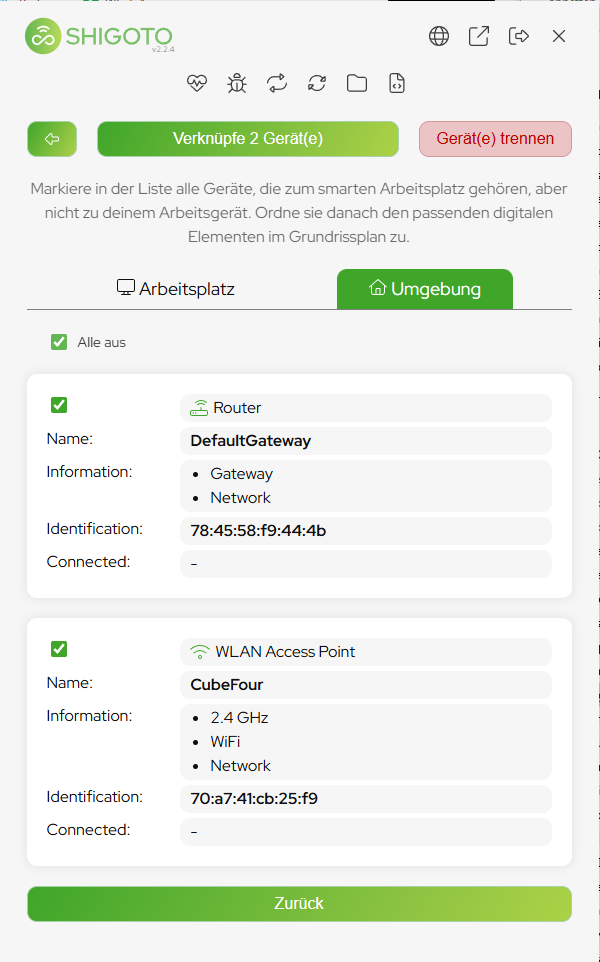
Next to the Workplaces tab the sensor offers an Environment tab. It lists the devices that describe the surroundings rather than a single desk: the network gateway and the WiFi access point.
What environmental devices are for
- The tab is only available if environmental pairing is enabled for your account.
- A gateway or an access point covers a whole area — a floor, a room, a building.
- Link them to an area, never to a single workstation: to the room or the zone the network actually spans.
Never link WiFi or the gateway to a workstation
Every user on that network sees the same access point and the same gateway. Link one of them to a workstation and the sensor reports all of them as sitting at that one desk — including everybody who is working from a completely different room.