
General
This tutorial walks you through linking physical workstations to the digital workstations in your partner system. Work through the steps in order — each one builds on the previous.
Requirements
- The Shigoto Sensor is installed and running.
- You can sign in to your partner system with administrator privileges.
Linking a workstation
-
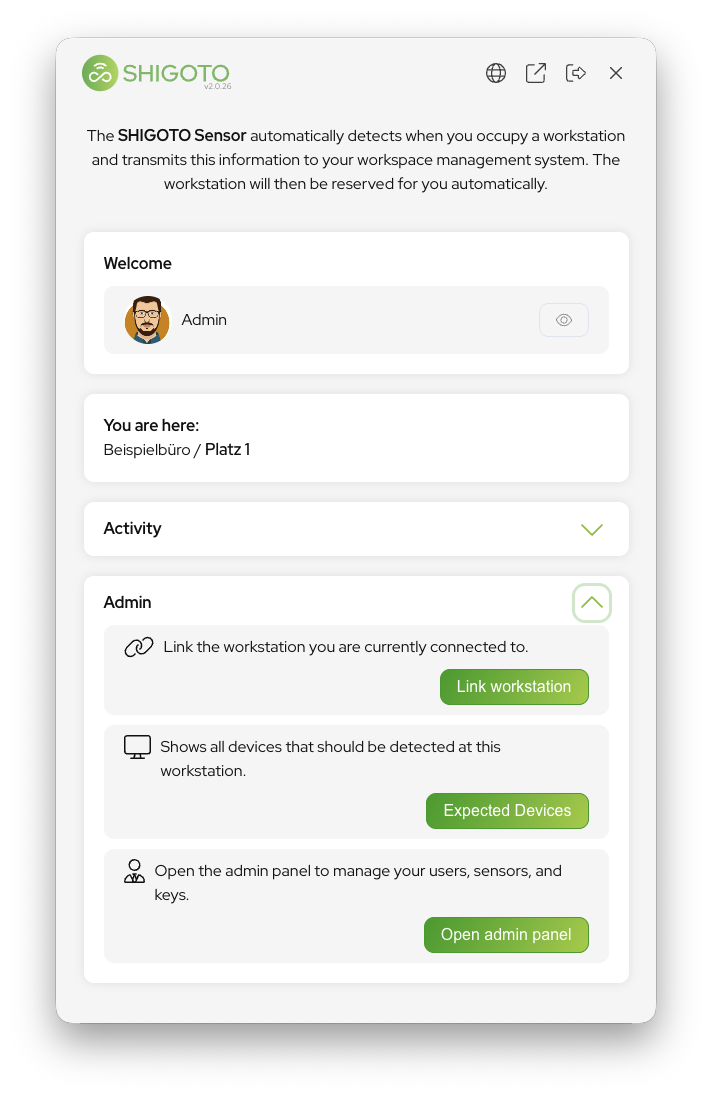
Open the Shigoto Sensor from your menu bar.
-
In the admin section, click Link Workstation.
-
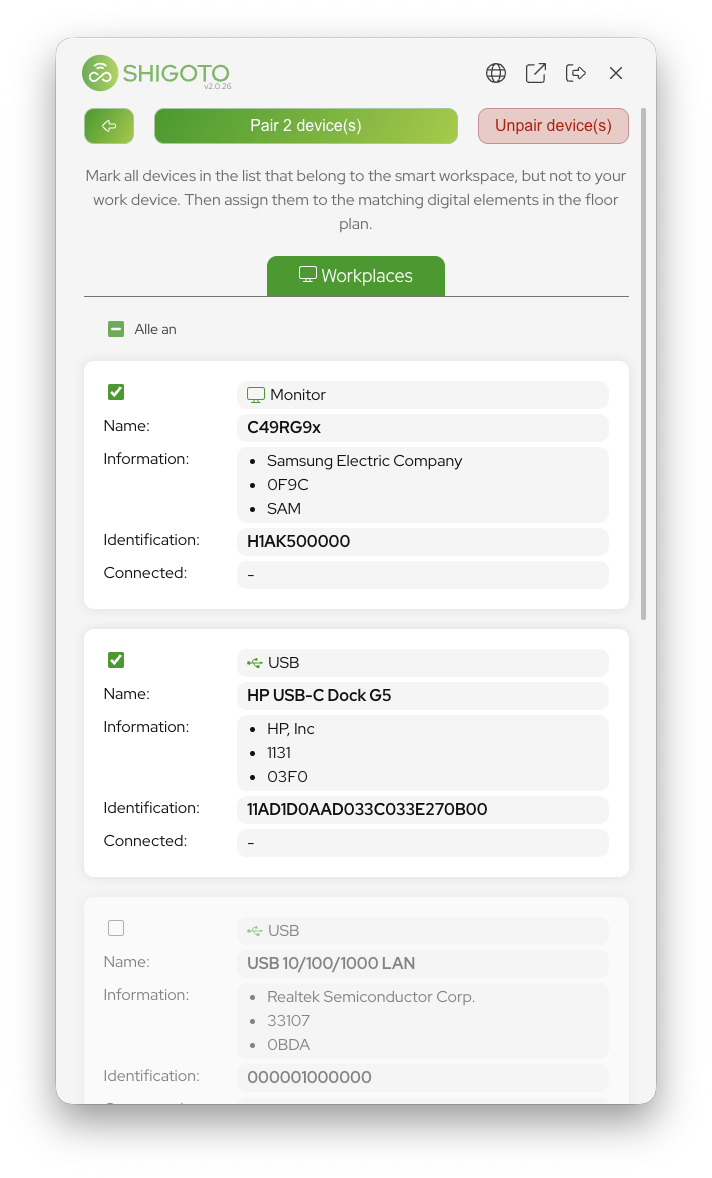
Select all devices you want to associate with the workstation.
-
Click Pair n device(s) and choose the matching workstation in your partner system.
-
Move on to the next workstation and continue from step 3.
If you manually deselect a device, the Shigoto Sensor remembers your choice and will not select it again the next time those devices appear.
If you notice that a device shows up at multiple locations, simply deselect it — it will then be deselected automatically for all future pairings.